7/08/2009

House 5x24 "Both Sides Now"


Yesterday night I was watching House on TV (House 5x24 "Both Sides Now") and it turned out to be one of the clearest definitions about two brain hemyspeheres working. It seemed to me a pretty good summary about what I am publishing in my latest posts, as a manner to determine that mindmapping techniques helps us improving creativity.

6/18/2009

Getting experiences accessing the right hempysphere


Getting deeper into my last post and into Betty Edwards´ book, I have been completing some of the exercises she propose in order to get the left hemysphere bored with some tasks and to get the right hemysphere doing the whole job.
It was about drawing a picture in a particular way, watching it upside down.
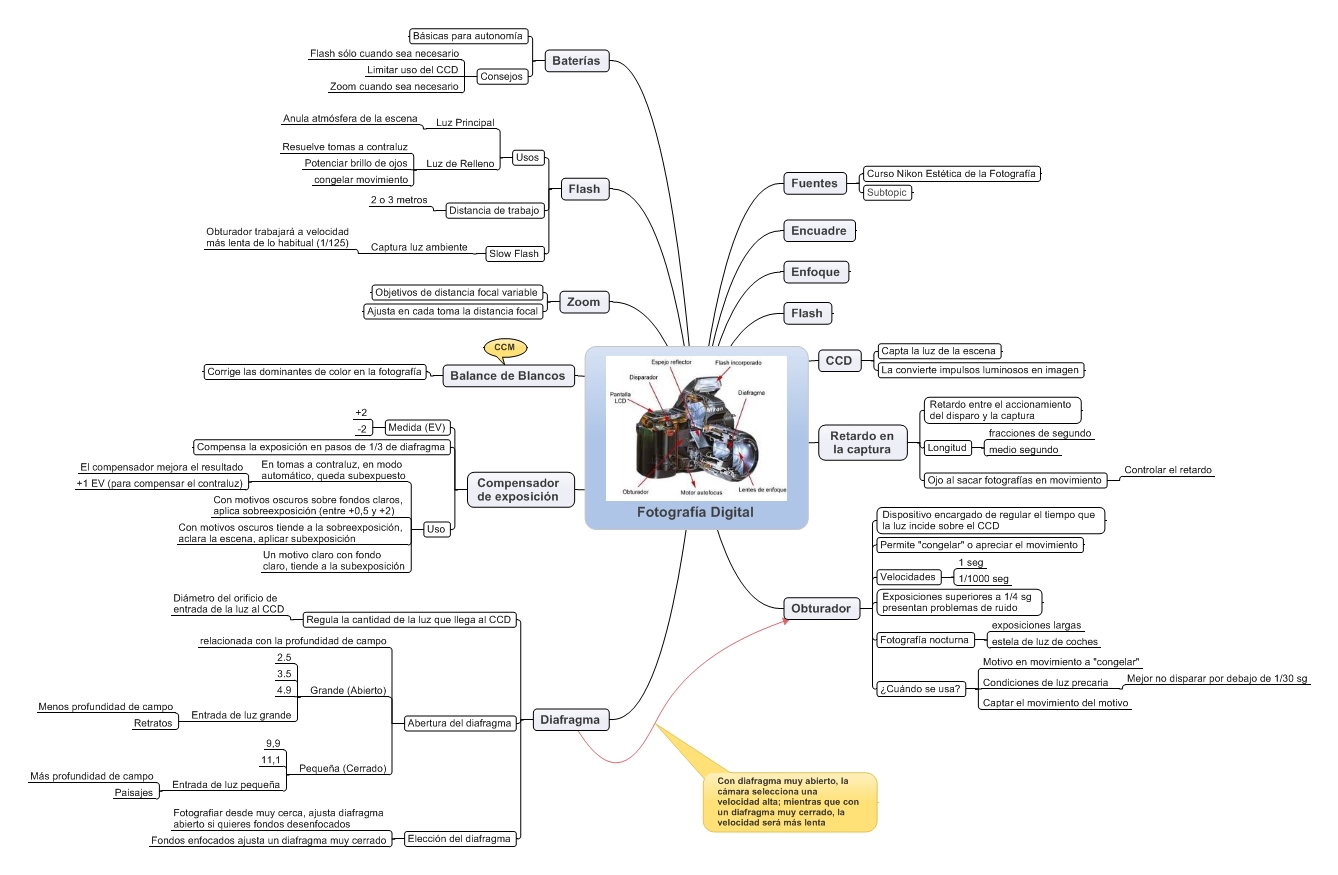
While doing the job, I took some notes into a mindmap about how I was feeling under this "right hempysphere ruling" state.
Most part of these experiences are commonly perceived by everyone, but they are also extraordinary good to identify such a state.

6/06/2009

Using your "righty" friend


I am currently reading Betty Edwards' Drawing with the right side of the brain and it is being a quite interesting book with fascinating theories and exercises. I reached the book to improve my drawing ability, which I would say, it has been since I was a child a disability.
From the first page you find quite interesting and solidly based theories about the brain, it is composition (some had been treated in this blog between right and left parts of the brain) and how every part works and how to stimulate every part.
One thought quite interesting is the existing stuck in the brain functionality study (in comparison with other subjects) mostly due to the fact that the brain is the only part of the universe which is observing and investigating itself.
Another quite interesting topic is how to get into the right part operation and the "synthoms" you get by being working into that part (time absense, lower cardiac rhythm,...).

5/26/2009

Mindmaps on flickr.com


Taking into account some suggestions in the blog comments, I am currently working to get some extra free space on flickr.com, so I can locate all the mindmaps I used in my blog. Further on I will locate every mindmap into that webpage, so they can be more easily accessed.
Thanks for the suggestions and please don´t hesitate giving suggestions to improve the blog, I will follow your recommendations.
Hand-made Mindmaps repository
Software-made Mindmaps repository

4/13/2009

Reading Books by mindmapping


One of the most common applications, in my personal case and already explained within this blog, it is mindmapping the most interesting books contents.
In this particular case, I have taken advantage of the easter vacation period to get back (for third time) to Idea Mapping (by Jamie Nast), an extraordinary book, where everytime you get back, you discover something new to go deeper.
What is put into the mindmap are different ideas, which I consider important, from my point of view, it doesn´t intend to be a summary or something like that. Just some notes.

4/06/2009

Philippe Boukobza´s digital identity


It turns out to me rather interesting the Philippe Boukobza´s mind map related to his digital identity.

3/24/2009

The power of the images


Mindmapping success to my opinion resides on the seductive attraction that images provoke in our brains. To illustrate this I will make some examples showing up.
How do you explain how a bison is? You can start talking it is a four-legged animal, brown, etc I estimate 10 minutes to get your mate knowing what you are talking about (obviously if you don´t say the word "bison"), I presume there will be lots of TV contests around that. If you show her an image of a vison, she will understand immediatly, so you save 10 minutes less some seconds.
OK, let´s get back thousands of years ago in a cavern located in the north of Spain (Altamira), the same episode with paintings to explain other mates how a bison was (the photo).
So we haven´t evolved so much, in that sense!!! --)))
Next example. During many years the radio was the preferable way of communication in the world, till TV showed up and the radio reduced drastically its influence. The main advantage was the image vs the oral communication. More easy to understand, more easy to interpret, more easy to remember.
Third example. The communication problem, when something is explained to you, just a little percentage of the original message can be understood by you (cause of the channel, of the talker interpretation and also the listener interpretation,...). This communication losses are much more lower with an image, cause you get directly the original message.
Fourth one, how many memories from you are not tied up to images? Our memory is based on images received from our visual sense.